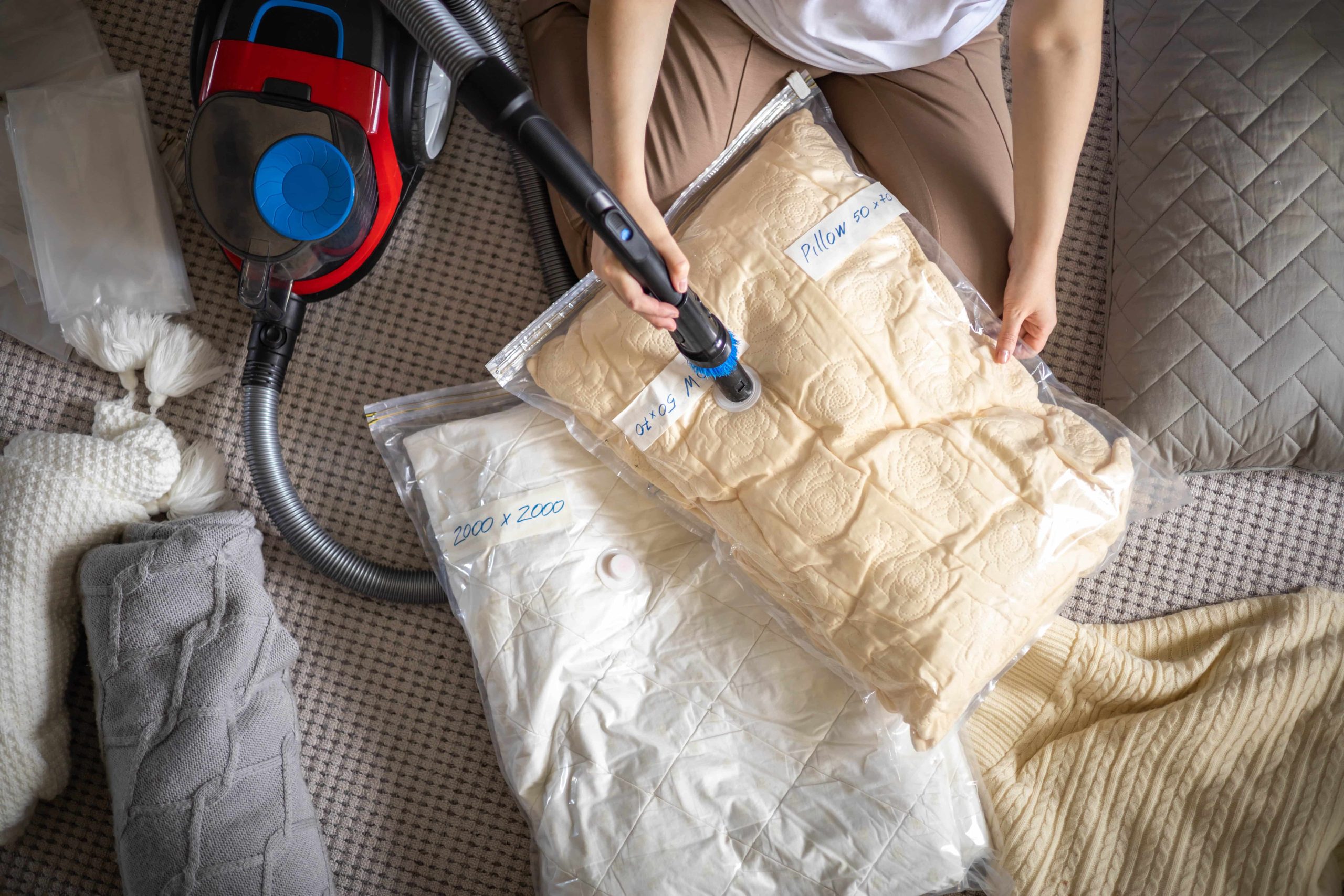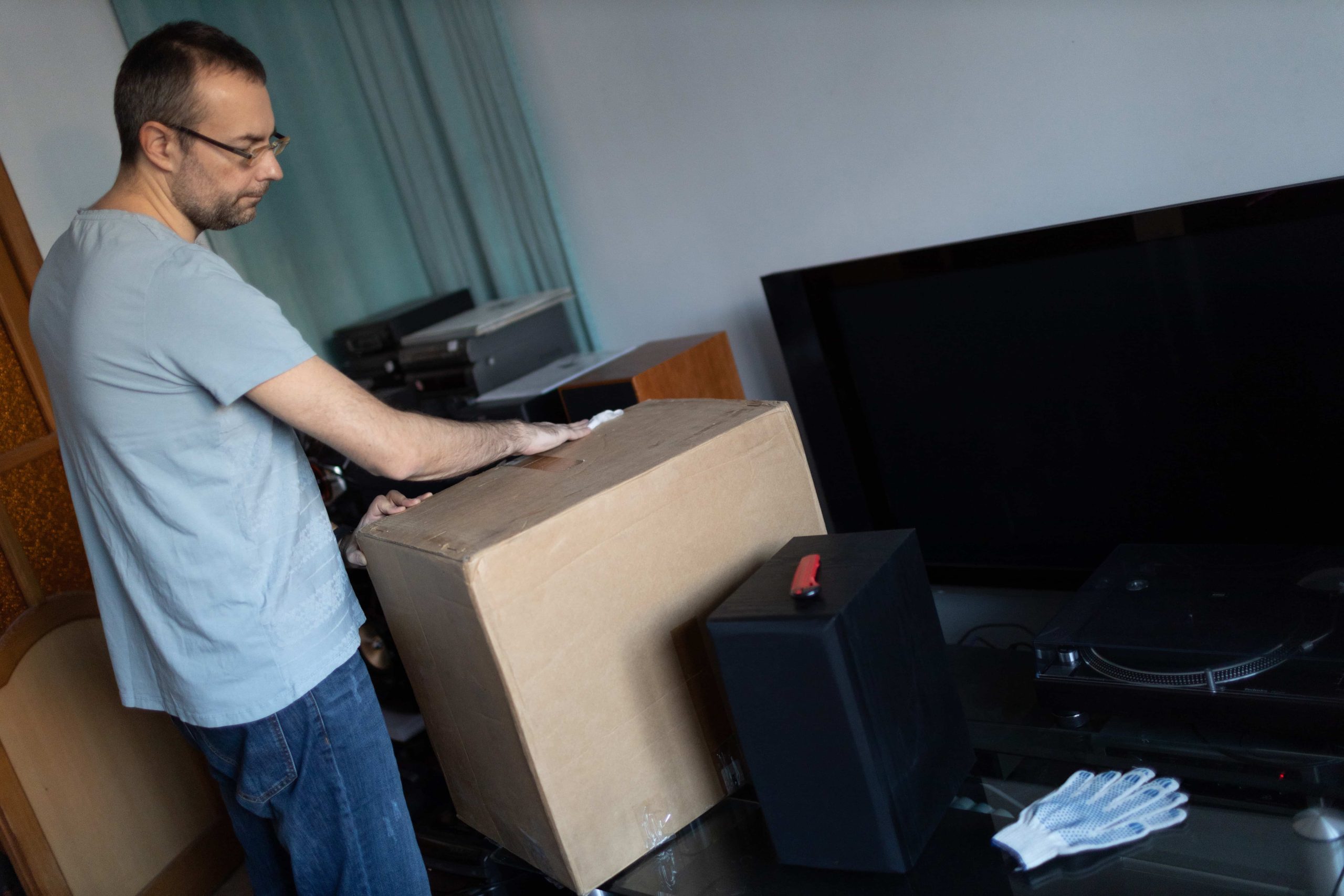
Moving tech equipment is one of the trickiest tasks in any relocation, whether at home or for a business. Devices such as computers, servers, TVs, printers and other electronics are fragile and need careful handling to avoid damage.
In this article we’ll explain how to pack, transport and unpack IT equipment safely, keeping it protected at every stage.
1. Getting ready before the move
Before you pack and move your electronic devices, it’s important to prepare properly. This step minimises risks and makes it easier to set everything up once you reach your new location.
Back up all your data
One of the biggest risks when moving tech equipment is data loss. To avoid problems, back up to an external drive or the cloud before moving any device.
Recommended options:
External hard drives: a quick and secure option.
Cloud services: Google Drive, Dropbox or OneDrive can store your files without taking up physical space.
Automated backups: for business servers and IT systems, automated backup solutions are ideal.
Disconnect and organise the cables
Cables are an essential part of any tech setup and can easily get tangled or damaged during a move.
Disconnect them carefully and label each one with its matching device.
Group them by category (power cables, HDMI, USB, etc.).
Use cable ties or elastic bands to prevent tangles.
Store them in separate bags and mark which device they belong to.
Photograph the connections
If you have equipment with complex setups, such as sound systems, desktop computers or servers, take photos before disconnecting them. This makes reinstallation at the new location much easier.
2. Packing materials for tech equipment
To protect your devices during the move, use the right packing materials.
Recommended materials:
Original boxes: if you’ve kept the original boxes for your devices, use them, as they’re designed to protect against knocks.
Reinforced cardboard boxes: if you don’t have the original boxes, use double-walled boxes for extra protection.
Foam or cork: useful for filling empty spaces and stopping devices from shifting inside the box.
Bubble wrap: ideal for wrapping screens, laptops and other fragile devices.
Stretch film: to hold devices in place and stop them from moving.
Moving blankets: an extra layer of protection for large equipment such as TVs and monitors.
Antistatic bags: to protect sensitive internal components, such as memory cards and hard drives.
3. How to pack each type of tech equipment
Every device has its own features and needs the right packing method to stay safe during the move.
Computers and laptops
- Shut down and fully disconnect the computer.
- Wrap the tower or laptop in bubble wrap.
- Add protective foam inside the box to prevent movement.
- If possible, carry the laptop in a padded backpack.
- Make sure cables and accessories are stored in separate bags.
Monitors and TVs
- Clean the screen and cover its surface with a soft cloth.
- Wrap the monitor in bubble wrap and protect it with cardboard.
- If possible, use the original box with its foam supports.
- Transport it upright to avoid pressure on the screen.
Printers and scanners
- Remove the ink or toner cartridges to prevent spills.
- Tape down any moving parts so they don’t shift.
- Wrap the printer in bubble wrap and place it in a box with foam padding.
Servers and network equipment
- Back up all data before the move.
- Shut down the servers and disconnect them properly.
- Place each unit in an antistatic bag to prevent electrostatic discharge.
- Use reinforced boxes with foam to protect against vibration damage.
4. Transporting tech equipment safely
Once your devices are packed, it’s vital to transport them with care.
- Load the equipment last to minimise the risk of it being crushed.
- Secure the boxes with straps to prevent movement.
- Avoid exposing devices to extreme temperatures or humidity.
- On long journeys, check the condition of the equipment at each stop.
If you have high-value devices, consider taking out transport insurance to cover any damage during the move.
5. Unpacking and reinstalling the equipment
Once at your new location, follow these steps for a safe and efficient setup:
- Place each box in the right room before opening it.
- Check the condition of the equipment before connecting it.
- Use the photos you took earlier to reconnect devices correctly.
- Test each device before using it regularly.
If you have business servers or IT systems, it’s advisable to bring in a specialist technician to ensure an error-free installation.
Move your tech equipment safely
Moving tech equipment safely takes planning, proper packing and careful transport. With the right preparation, you can make sure all your devices arrive in perfect condition.
At Mudanzas Trallero, we have the experience and resources to guarantee the safe transport of your electronic devices, both at home and for your business.
Need help with your move? Visit Mudanzas Trallero and discover how we can offer you a safe, efficient and hassle-free move.